


How can a DAW controller benefit your workflow? For me, the biggest advantage is simple: it puts your hands back on the music. You can move multiple faders, adjust panning and balance a mix in a way that a mouse and keyboard just cannot replicate.
I recently saw somebody asking this exact question in an SSL Facebook group. They were considering the SSL UC1 and UF8 and wanted to know whether investing in a controller would genuinely improve the way they work.
Having spent years working with everything from a Digidesign Command|8 to an Avid S4 and SSL Oracle, I think DAW controllers can make a huge difference. Not because you suddenly become a better engineer, but because mixing becomes more tactile, fluid and enjoyable.
That said, I don't think everybody needs an enormous control surface. The important thing is choosing a controller that suits the way you work.
Why I like DAW controllers:
Watch: How Can A DAW Controller Benefit Your Workflow?
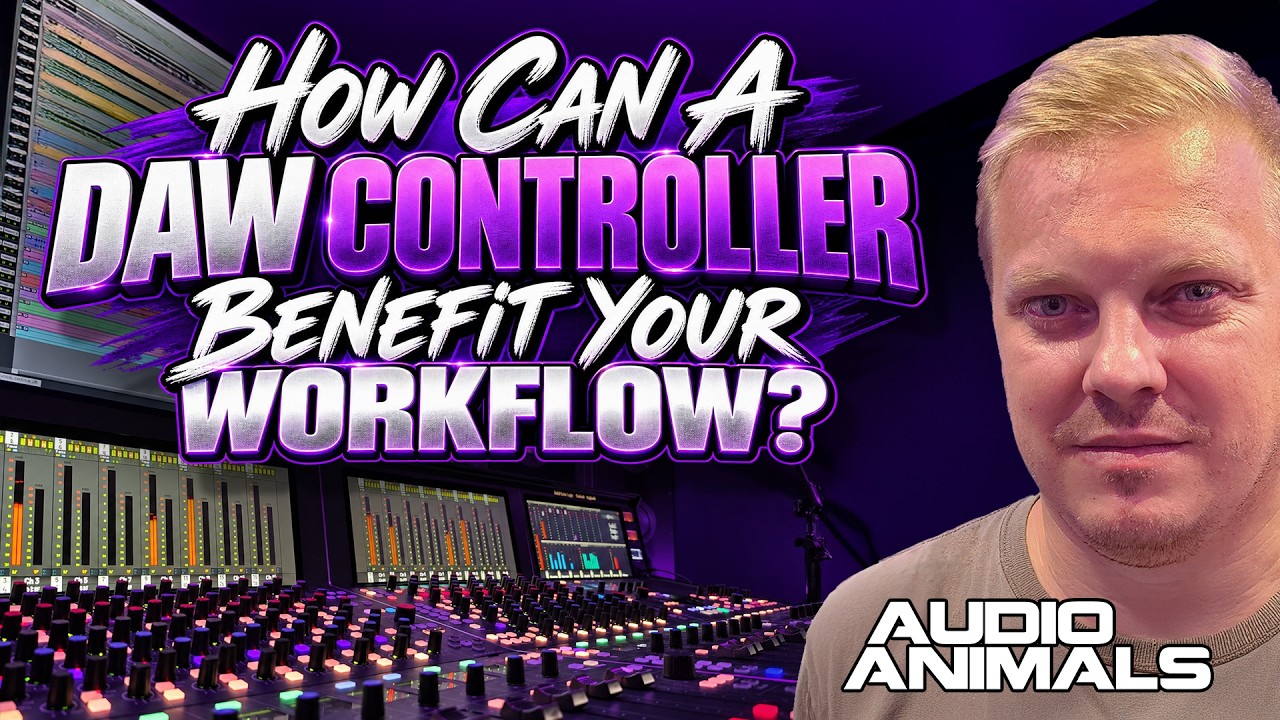
The Biggest Advantage Is Being Hands-On
I use a combination of different control surfaces at Audio Animals. I've got an Avid S4, and I can also use our SSL Oracle as a DAW controller. In some respects the Oracle feels like a much more premium UF8, although it doesn't provide quite the same dedicated plug-in control experience as the UC1.
Over time I've actually moved towards using a mouse and keyboard for more of my day-to-day operations, and I'm perfectly happy doing that. But when it comes to faders and panning, I still want physical controls in front of me.
For me, a DAW controller is fundamentally about positioning sound: setting levels, placing instruments in the stereo field and shaping how everything sits together in the mix.
You Can Control Multiple Things At Once
Think about the way you balance a mix. With physical controls, you can have one hand on a fader and the other on a pan control. You can ride two faders together, bring one instrument down while pushing another up or adjust several channels as a group.
Try doing that with a mouse. You're working on one control at a time, and even when you slow down your movements, it just doesn't give you the same feel. With a physical fader beneath your fingers, I find it much easier to make small, deliberate moves and react to what I'm hearing.
That's why I value a controller so much. I feel more connected to the sound rather than spending the entire session pointing and clicking at a screen.
“The biggest benefit of a DAW controller is being able to position sound with your hands. You can make several moves at once, and that changes the way you interact with the mix.”
Hands-On Fader Control
Move multiple channels together and build a balance with physical movements rather than clicking between individual faders.
More Natural Positioning
Control level and panning at the same time, making it easier to place sounds where you want them.
Faster Mix Decisions
Keep several important elements under your fingertips and react immediately as the music changes.
It Feels Like Working On A Real Console
There's another reason I love control surfaces: they're fun. Sitting in front of physical faders makes you feel like you're working on a traditional mixing console, even when all the audio processing is happening inside the computer.
Put three SSL UF8 controllers next to each other and you've got 24 motorised faders in front of you. It won't turn them into an SSL Oracle, but in terms of the tactile fader experience, you start getting some of that large-console feeling for a fraction of the investment.
You can lay out your drums, bass and instruments across the surface and work with them together. That sort of control makes mixing feel less like editing a spreadsheet and more like performing a mix.
Why The Physical Experience Matters
I'm not saying a physical controller magically changes the sound of your DAW. It changes how you interact with it. When you're less focused on the mouse, you can concentrate more on the music, make intuitive movements and actually enjoy the process.
For me, that enjoyment has always been an important part of making records.
My First DAW Controller Changed Everything
I've been using DAW controllers since I was around 20. Back then, I won roughly £1,800 on a football accumulator after correctly picking the winning teams across ten matches.
I went straight out and bought myself a Nord synthesiser and a Digidesign Command|8 control surface. I couldn't afford a big, large-format mixing console at that age, but suddenly I had physical faders sitting in front of me.
I remember getting the Command|8 back to the studio and feeling like I was finally working on a proper console. My workflow improved, but so did my mindset. I enjoyed mixing more, and it gave me something to aspire to.
That first controller was part of what inspired me to work my way towards the larger consoles we use at Audio Animals today.
“I couldn't afford a large-format console at the time, but that first controller made me feel like I was sitting at one. It improved my workflow and made me enjoy working even more.”
Which DAW Controller Would I Recommend?
Avid S1
If you're working in Pro Tools, this would be one of my first recommendations. I really like the S1, particularly when combined with an iPad for additional visual control.
SSL UF8
For Logic users and people working across different DAWs, the UF8 would be my recommendation. The physical faders feel good, and you can expand your setup with additional units.
SSL UC1
The UC1 is worth considering if you want hands-on control of compatible SSL channel-strip and bus-compressor plug-ins alongside your fader surface.
Do You Really Need An Avid S4?
I own an Avid S4, but I wouldn't tell the average music producer or mixing engineer to rush out and buy one. It's a substantial investment, and for most music mixing workflows I don't think the expense is justified.
For film and Dolby Atmos mixing, on the other hand, the additional controls and larger surface can make a lot more sense. That's the sort of work where my S4 earns its place.
For regular stereo music mixing, I'd generally rather sit directly in front of a compact, high-quality fader controller. The UF8 is excellent for that kind of setup.
Don't Overlook The Build Quality
Over the years I've used other control surfaces that initially worked well, but some developed problems with their buttons. They became spongy and needed a much firmer press before they would respond.
Even on more expensive equipment, including my S4, I've had individual buttons wear differently after heavy use. When you're spending serious money on a control surface, that isn't ideal.
So while features and DAW integration are important, I would also pay attention to the feel of the faders, the buttons and the overall construction. These are things you're going to touch thousands of times.
So, Can A DAW Controller Really Improve Your Workflow?
Absolutely. I think a good DAW controller is one of the most enjoyable additions you can make to a mixing setup.
It gives you physical control over your levels and panning, lets you work with multiple elements simultaneously and brings back some of that console-style experience without sacrificing the convenience of mixing in the box.
But you don't need to spend a fortune. If you're working in Pro Tools, take a look at the Avid S1. If you're using Logic or other DAWs, I think the SSL UF8 is a brilliant option. And if you want dedicated hands-on SSL plug-in control, consider pairing it with a UC1.
Ultimately, it's not about how big or expensive your controller is. It's about finding something that makes you faster, more comfortable and more connected to the music. That's what makes it worthwhile.