


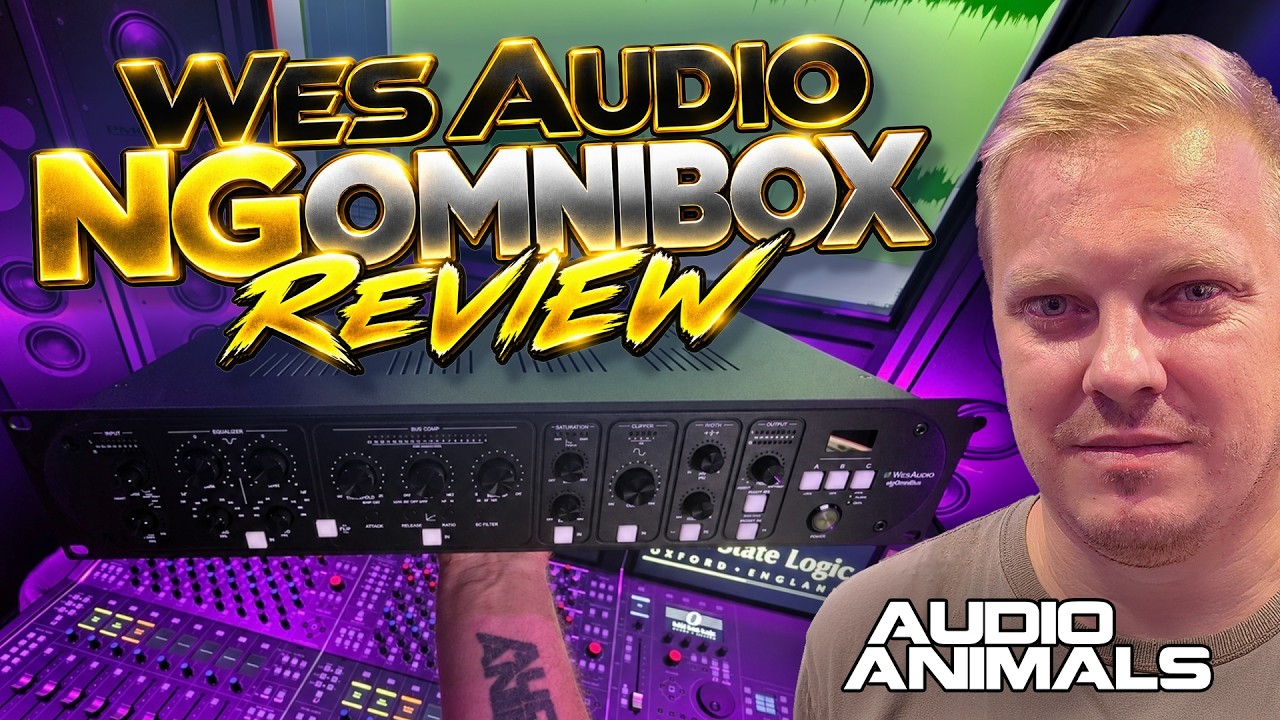
Is the Wes Audio NG OmniBox the ultimate analogue mix bus and mastering processor? After working with production unit serial number 001, I wanted to find out how its EQ, VCA compression, saturation, clipper and stereo width controls perform in a real studio workflow.
I already own dedicated Wes Audio EQ and compression hardware, so I approached this review from an interesting position: would the OmniBox genuinely add anything to a mastering chain that's already well equipped?
The answer, for me, is yes. I've been using it at the end of my mastering chain as a finishing processor, and on my mix bus. In the accompanying video I demonstrate its individual sections, put them together, and answer questions about the Rupert Neve MBT, SSL Fusion and whether it makes sense to buy one if you already own substantial outboard.
Meet the Wes Audio NG OmniBox
The NG OmniBox is essentially several processors housed in one 2U rack unit: input high-pass filtering, a two-band shelving EQ, stereo bus compression, saturation, clipping and stereo width, alongside insert points for external hardware. Each main processing stage can be engaged independently.
We received unit number 001. Rather than simply reading through the specification sheet, I wanted to work through each part of the hardware and explain how I actually use it in a professional mastering and mixing setup.

Watch the Full NG OmniBox Review
The full video includes examples of the high-pass filter, EQ, compression, saturation, clipping and width, followed by the combined processing chain and answers to viewer questions.
High-Pass Filter: Simple and Practical
The input high-pass filter covers 12 Hz to 200 Hz. There is a dedicated on/off switch, but I also like that you can leave the stage enabled and turn the frequency all the way down when you do not want audible filtering.
It is not the most glamorous section of the OmniBox, but sensible filtering at the start of a bus-processing chain is genuinely useful.
The Two-Band Shelving EQ
The passive-style EQ gives you a low shelf ranging from 33 Hz to 500 Hz and a high shelf from 1.8 kHz to 28 kHz, with gain adjustment from −5 dB to +15 dB. It is clearly intended for broad tonal enhancement rather than detailed corrective equalisation.
A small but valuable detail is that you can bypass either shelf independently. I like being able to audition just the high-frequency contribution without having to turn the entire EQ off. That seems obvious, but it is not always provided on analogue processors.
Would I welcome a mid band? Of course. But adding one would move the OmniBox closer to a full channel strip and would likely affect both price and the focused role it is designed to play.
A Surprisingly Versatile VCA Bus Compressor
I initially assumed the bus compressor would be a heavily stripped-down version of Wes Audio’s dedicated ngBusComp. It is more capable than I expected, with threshold, make-up gain, mix, ratio, attack, release and sidechain filtering.
There are compromises compared with a full-featured standalone bus compressor: ratio switches between low and high, and attack between fast and slow. But the amount of control remains impressive for a section inside a larger processor.
An especially welcome feature is the ability to switch the processing order between EQ → COMP and COMP → EQ. That lets me decide whether the EQ should influence how the compressor responds, or whether I want to rebalance the tone afterwards.
Low ratio
Gentler bus compression.
High ratio
A firmer, more assertive option.
Timing controls
Fast/slow attack, three release settings.
Sidechain HPF
60, 90 and 150 Hz options.
Saturation: Smooth or Aggressive
The OmniBox saturation section has drive and mix controls. After using the THD options in other Wes Audio equipment, I was expecting something similarly crunchy, but this feels different.
It can get aggressive when pushed, yet there is a smoother and softer side to it that I particularly like. That makes it useful for gentle enhancement as well as more obvious harmonic colour. The mix control gives you another way to balance that character against the unprocessed signal.
The Analogue Clipper Is a Real Highlight
I expected the EQ, compressor, saturation and width sections from a product positioned alongside other premium mix-bus tools. The analogue clipper was the welcome surprise.
In my experience, it is forgiving and has a softer feel than the hard clipping I had imagined. It lets you push into peak control without immediately giving the impression that you are aggressively smashing the signal. This is one of the OmniBox’s most valuable differentiators for me.
The clipper is one of the things that genuinely surprised me. It feels forgiving, and it brings something additional to a processor like this.
Stereo Width and Elliptical Filtering
The width section took me a little time to understand. I expected the high-pass control to behave like a crossover that simply restricted the width enhancement to frequencies above a selected point. What I heard instead was low-frequency Side information being progressively removed as the filter frequency increased.
In practice that is closer to an elliptical filter or mono-maker arrangement: the stereo low end becomes more centred below the chosen frequency, while the higher-frequency stereo image can be enhanced. I really like that, although I would avoid going too far with the width controls.
This behaviour differs from the way I use the width section on the Rupert Neve MBT, and it is a distinction worth understanding before choosing between them.
Analogue Inserts and Flexible Routing
One of the things I really appreciate is that Wes Audio has included external hardware inserts. That means you can integrate other favourite processors without treating the OmniBox as an entirely closed signal chain.
There is an input insert and an output insert, with Mid/Side operation available on the output insert. That is particularly attractive from a mastering perspective.
I would still welcome more freedom to move those inserts around the processing stages, but their inclusion is already a substantial practical advantage over some competing bus processors.
Digital Recall and DAW Integration
Digital recall is one of the biggest reasons I gravitate towards Wes Audio hardware. The OmniBox processes audio in the analogue domain while allowing its parameters to be controlled and recalled from a DAW plug-in.
That combination matters in a professional studio. I can finish a mix or master, open another client session and return to the previous settings without manually reconstructing the entire front panel. Plug-in automation, USB and Ethernet connectivity, A/B/C comparison states and the integrated display further support that workflow.

How I Use It at the End of My Mastering Chain
Even with dedicated Wes Audio EQ and compression already in my mastering chain, I find myself reaching for the OmniBox. I position it towards the end of the chain, after doing the main tonal and dynamics work with my other equipment.
At that point I can ask what else the finished master needs: perhaps a little low- or high-shelf adjustment, an extra touch of compression, some saturation, controlled clipping or slightly more width. It is a finishing processor rather than a substitute for all the equipment before it.
If you are starting from scratch, its value is arguably even stronger because the EQ and compressor can form a substantial part of the initial chain, rather than simply supplementing processors you already own.
NG OmniBox vs Rupert Neve MBT
I own two Rupert Neve MBTs, and I rate them highly. In broad terms, the EQ and filtering are both useful on these units; neither would be my automatic winner in those areas.
I prefer the OmniBox’s VCA compressor to the MBT’s opto compression for my own workflow. On the other hand, I think the MBT’s Silk Red and Silk Blue saturation gives it a distinctive advantage in harmonic character. Those are personal preferences, not claims that one design is universally better.
The OmniBox pulls ahead for me with its clipper, its input and output insert options—including Mid/Side—and, crucially, digital recall. Its width filtering also works differently from how I use the MBT, which is another factor worth hearing before deciding. I intend to make a dedicated head-to-head comparison separately.
NG OmniBox vs SSL Fusion
I used to recommend the SSL Fusion as a sensible starting point for a mastering chain. It is considerably more affordable, and it remains a useful processor. However, given the choice today, I would personally lean towards the OmniBox if the budget allowed.
As a studio grows and you add dedicated EQ, compression and saturation hardware, the Fusion can gradually lose some of its original role. That happened in my own mastering studios. The OmniBox, by contrast, still has a job even alongside other processors because of the clipper, inserts, flexible applications and repeatable recall.
It can live on the mix bus, drum bus or vocal bus, or work as a mastering-chain finisher. Being able to recall its settings when changing roles is a major practical benefit.
What Would I Change?
A dedicated mid EQ band would be welcome for users who want one processor to cover more corrective work, although that could move the product away from its bus-processing focus.
I would also enjoy separate low- and high-frequency saturation controls similar in spirit to the MBT, and more freedom to relocate the inserts within the analogue chain.
Finally, I would love to see an optional stereo width/filter mode that widens the upper range without narrowing the low-frequency Side information. Whether that could be implemented through firmware would need confirmation from Wes Audio. None of these are deal-breakers in my experience.
Main Features at a Glance
The NG OmniBox brings together a substantial number of practical functions in one 2U processor.
Passive shelving EQ
Independently switchable low and high shelves.
Stereo bus compression
VCA dynamics control with adjustable blend.
Analogue saturation
Drive and mix for subtle to aggressive colour.
Analogue clipper
Forgiving peak-shaping in my demonstrations.
Stereo width
Width control with Side high-pass filtering.
Digital recall
Plug-in control, automation and A/B/C states.
Selected Technical Specifications
The figures below are manufacturer specifications rather than measurements taken during this review.
- Frequency response10 Hz–40 kHz (−1 dB)
- THD+N, processing off< 0.003% at 1 kHz, 0 dBu
- THD+N, sections in< 0.015% at 1 kHz, 0 dBu
- Maximum input/output+26 dBu
- Compressor ratios1.5:1 and 10:1
- Compressor attack0.1 ms / 30 ms
- Compressor release100 ms / 0.6 s / 1.2 s
- Sidechain HPF60 / 90 / 150 Hz
- ConnectivityUSB and Ethernet
- Dimensions88 × 483 × 235 mm
- Weight4.4 kg
- Rack size2U
My Verdict on the NG OmniBox
The OmniBox impressed me most through its versatility. The compressor is more comprehensive than I expected, the saturation has a smoothness I enjoy, and the analogue clipper is a standout feature. I also genuinely appreciate the way the width section manages low-frequency stereo information.
If you already own high-quality EQs and compressors, it will not necessarily replace them. It certainly has not replaced mine. But I still get significant use from it as a finishing processor. If you are starting a mastering chain, it offers a strong foundation that can continue to be useful as your collection of hardware grows.
For my workflow, the combination of flexible analogue processing, inserts and digital recall makes it a compelling premium mix and mastering processor.
Where to Buy the Wes Audio NG OmniBox
Find the NG OmniBox at the retailers below. These links may be affiliate links.
Official NG OmniBox Information
For manufacturer specifications, manuals and software downloads, see Wes Audio’s official product page.